

Have you ever found yourself dreaming about designing the perfect space? Maybe you’re planning to renovate your home, or you’re just curious about how architects bring their visions to life.
Creating floor plans is a crucial step in transforming any space into a functional and beautiful environment. When you make floor plans, you’re not just drawing walls and rooms; you’re crafting the blueprint for experiences, memories, and day-to-day living. Imagine having the power to visualize every nook and cranny of your future space, ensuring that it feels just right for you and your loved ones.
You’ll discover practical tips and easy-to-follow steps to create floor plans that suit your needs. Whether you’re a beginner or someone looking to refine your skills, you’ll gain insights that can turn your ideas into reality. We’ll guide you through the process, helping you avoid common mistakes and make informed decisions. So, if you’re ready to dive into the art of floor planning and unlock the potential of your space, keep reading. You’re about to learn how to turn your dreams into detailed, actionable plans!
Understanding Floor Plans
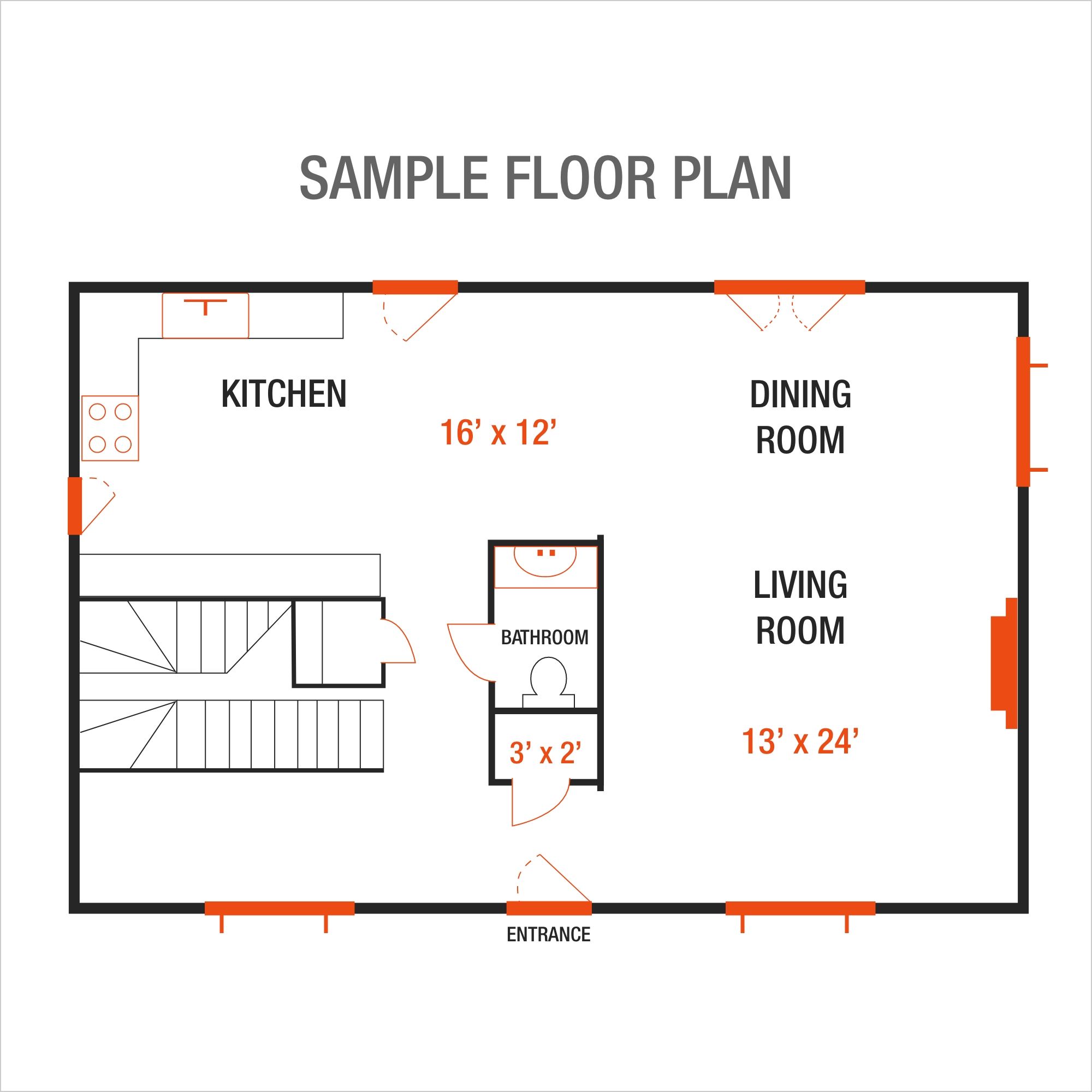
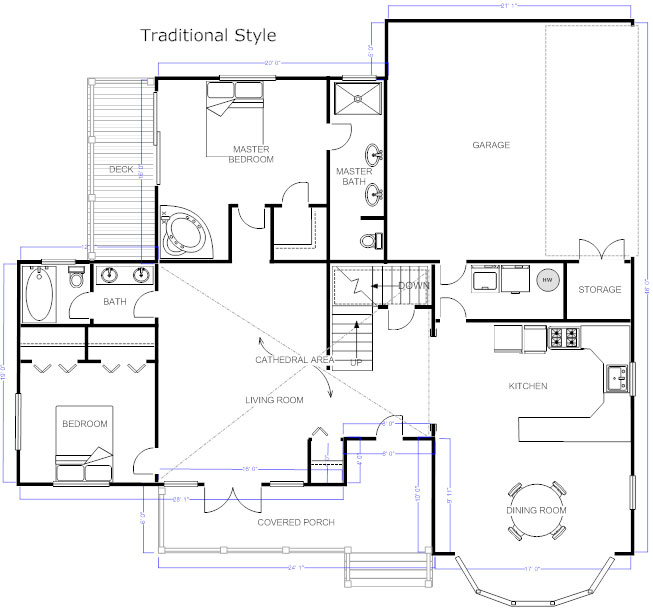
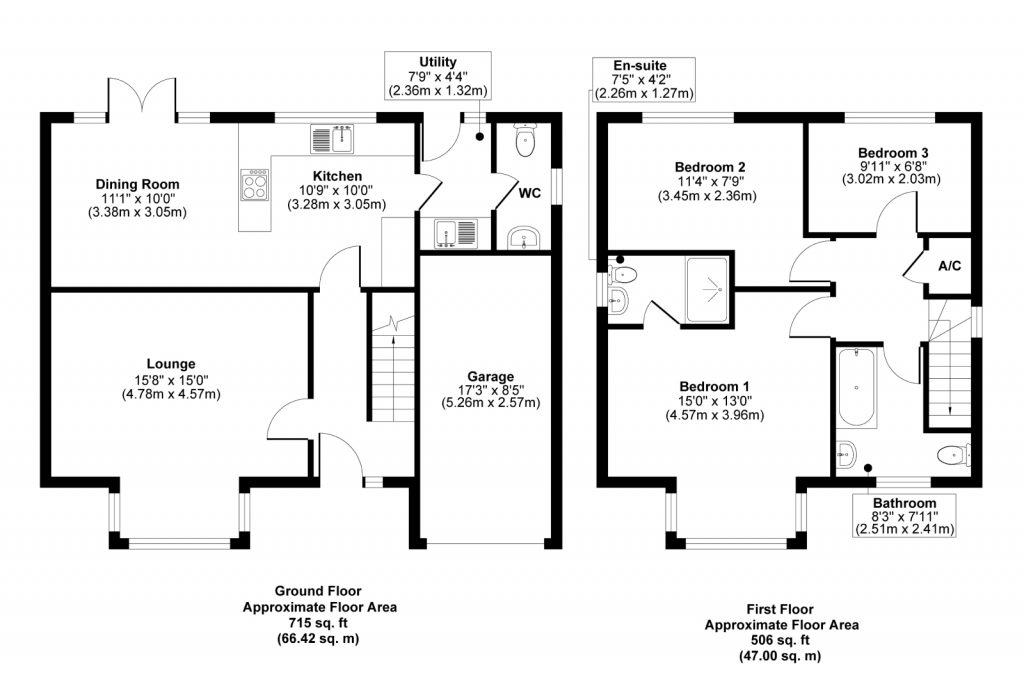
Floor plans show how rooms and spaces fit together. They are like maps for buildings. A good plan helps people see where things go. Walls, doors, and windows are drawn on the plan. The layout shows how each room connects to others. Dimensions tell us the size of each room. Plans use symbols to show things like appliances and furniture. It’s important to use a scale so plans are the right size. People use plans to make sure everything fits well. Plans help builders know where to put walls. Architects use them to design houses. Floor plans can be simple or complex. Different types of plans show different details. Some plans show just rooms. Others show electrical and plumbing details too.
Tools And Software
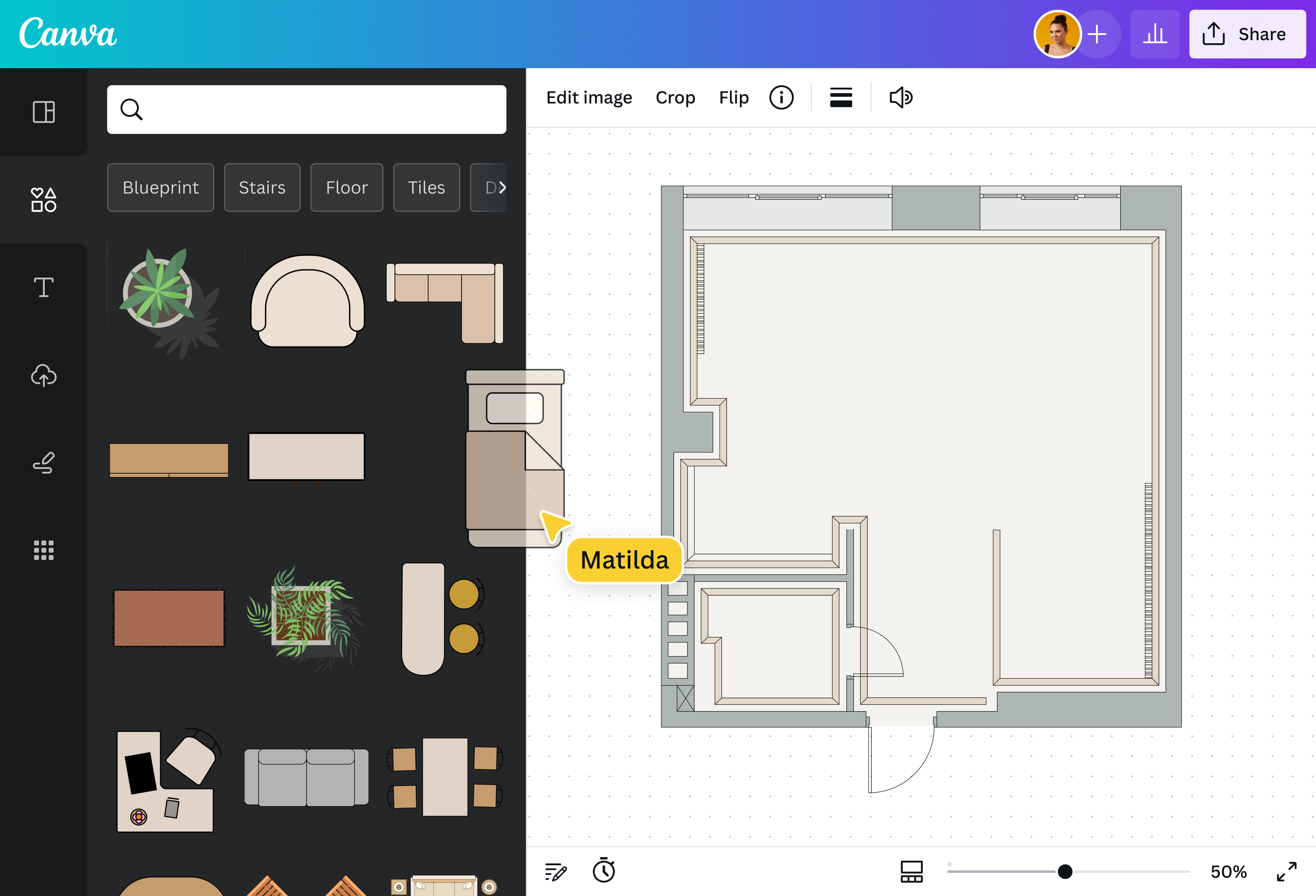
Creating floor plans can be fun with the right tools. Software like AutoCAD is popular for professionals. It helps in designing detailed layouts. SketchUp is another tool, great for beginners. It’s easy to use and offers 3D views. Floorplanner is web-based and very user-friendly. It lets you drag and drop items. Sweet Home 3D is free and helps in seeing plans in 3D. RoomSketcher is perfect for drawing simple plans. It’s available on both desktop and mobile. SmartDraw offers templates and is good for quick designs. Always choose a tool that fits your needs.
Gathering Requirements
Start by asking questions. Who will use the space? What are their needs? Knowing these helps a lot. Make a list. Bedrooms, bathrooms, and living areas. Each has a purpose. Measure the available space. Use a tape measure. Write down the numbers. It’s important for accuracy.
Think about furniture. Where will it go? Windows and doors need space. Don’t block them. Plan storage too. Everyone needs it. Talk to others involved. Get their input. It’s a team effort.
Measuring The Space
Begin by gathering the right tools. A measuring tape is essential. Graph paper helps in sketching your plan. A pencil allows for easy corrections. Start by measuring each wall. Write down length and width. Doors and windows are important. Record their positions. Measure any fixtures like sinks. Note distances from walls. Be precise with measurements. Double-check each number. Keep measurements organized. Use clear labels. This helps in creating a detailed plan. Accuracy is key. Mistakes can lead to problems later. Better to measure twice. Planning becomes easier with good notes.
Sketching Initial Layout
Start with a blank sheet of paper. Think about the shape and size of each room. Use a pencil to draw the walls and doors. Keep lines straight and clean. Measure the rooms with a ruler. Write down the dimensions beside each room. Make sure all rooms fit together like a puzzle. Leave space for hallways and stairs. Add windows to the outer walls. Place furniture in the rooms for a better idea. Adjust your sketch if something looks odd. Try different layouts. Experiment with various designs. Remember, this is your first draft. Mistakes are okay. Use an eraser to fix them. Be creative and have fun!
Adding Architectural Details
Adding architectural details enhances floor plans by providing clarity and depth. Elements like arches and columns create visual interest. These additions guide the eye and make spaces feel more inviting and functional.
Walls And Partitions
Walls separate rooms in a house. They help define spaces. Some walls are thick. Others are thin. Partitions can be temporary. They can be moved around. Use walls to create privacy. Make sure walls are sturdy. Choose materials wisely. Brick is strong. Wood is light. Each has its own use. Walls can have colors. Paint them bright. Or keep them neutral. Add texture for fun. Some walls have patterns. Others are smooth.
Doors And Windows
Doors let you enter rooms. They open and close. Some doors are big. Others are small. Choose a door that fits. Windows let light inside. They can be square. Or they can be round. Make windows large for more light. Glass is clear. It allows you to see outside. Doors and windows come in many styles. Pick the one you like. They add beauty to your home. Ensure they are well-made. They should last a long time.
Incorporating Furniture And Fixtures
Furniture and fixtures help a room feel complete. Place sofas and chairs in the living room. They make it cozy. Add a table for meals and games. Beds are big in bedrooms. Add a dresser for clothes. Desks help with work or study. In the bathroom, a sink and mirror are key. They help with daily tasks. Lights brighten the room. They also make it look nice. Rugs can add color. They also keep feet warm. Curtains help with privacy. They can be colorful or plain. Each item has a purpose. They make spaces useful and fun.
Finalizing The Floor Plan
Ensure every room is correctly sized. Check each measurement twice. Look at the layout carefully. Verify doors and windows are in right places. Confirm the location of stairs. Ensure all rooms connect properly. Check if furniture fits well. See if pathways are clear. Verify the kitchen and bathroom layout. Look for any mistakes. Fix errors right away.
Adjust room sizes if needed. Change the position of doors. Move walls if necessary. Shift furniture around. Alter the layout for better flow. Ensure the plan meets needs. Add extra storage if required. Make sure all areas are accessible. Consider adding more light. Adjust for better ventilation. Make changes for comfort.
Tips For Effective Floor Plans
Floor plans must be both useful and pretty. Function is key. Rooms should have a purpose. Aesthetics make spaces welcoming. Think about light and space. Big windows can brighten rooms. Open spaces feel calm and free. Use colors that soothe. Be smart with furniture. Choose pieces that fit the room. Don’t overcrowd. Leave space to move. This makes the room feel right.
Flexibility allows for changes. Life changes. Plans should adapt. Use movable walls. They can create new spaces. Furniture can be rearranged. This gives rooms new looks. Think of future needs. Kids grow. Families change. Rooms should change too. Make plans that can stretch. This helps everyone feel at home. Always look ahead.
Frequently Asked Questions
What Software Is Best For Floor Plans?
There are several popular software options for creating floor plans. AutoCAD and SketchUp are widely used. They offer detailed features for professionals. For beginners, Sweet Home 3D and RoomSketcher are user-friendly. Choose software based on your skill level and project needs.
How Do I Start A Floor Plan?
Start by measuring the space accurately. Use graph paper or software for precision. Sketch the layout, including walls, doors, and windows. Ensure to consider furniture placement and flow. Review and adjust your plan to optimize space utilization.
Can I Make Floor Plans Online For Free?
Yes, there are online tools offering free floor plan creation. Sites like Floorplanner and Planner 5D have free versions. They provide basic features for simple plans. Upgrade options are available for advanced tools. Experiment with free versions before purchasing.
Why Are Floor Plans Important?
Floor plans are crucial for visualizing space layout. They help in planning furniture placement and traffic flow. They provide a clear overview of dimensions and functionality. Floor plans are essential for architects, designers, and homeowners. They ensure efficient use of space.
Conclusion
Creating floor plans can be simple and fun. First, gather your tools. Then, measure your space. Sketch your ideas clearly. Use software for precise designs. Play with different layouts. Ensure your plan fits your needs. Check each detail carefully. Share your plan for feedback.
Revise as needed. Remember, practice makes perfect. Enjoy the process. Whether for a new home or remodeling, floor plans guide your vision. They help visualize your dream space. A well-crafted plan saves time and effort. It ensures a smooth building experience.
Now, you’re ready to design your perfect floor plan!