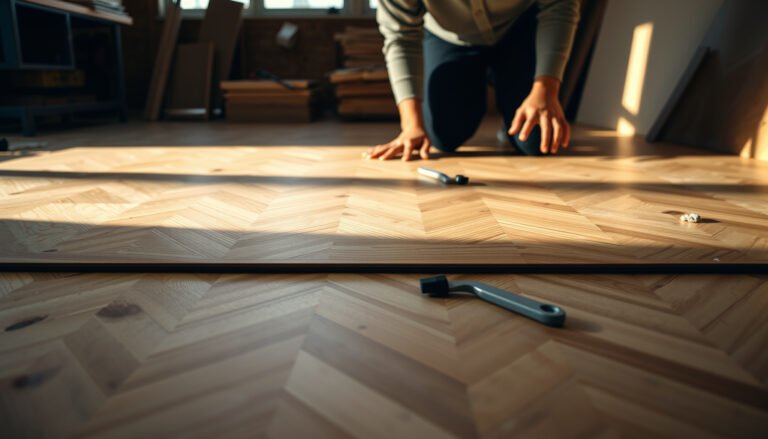
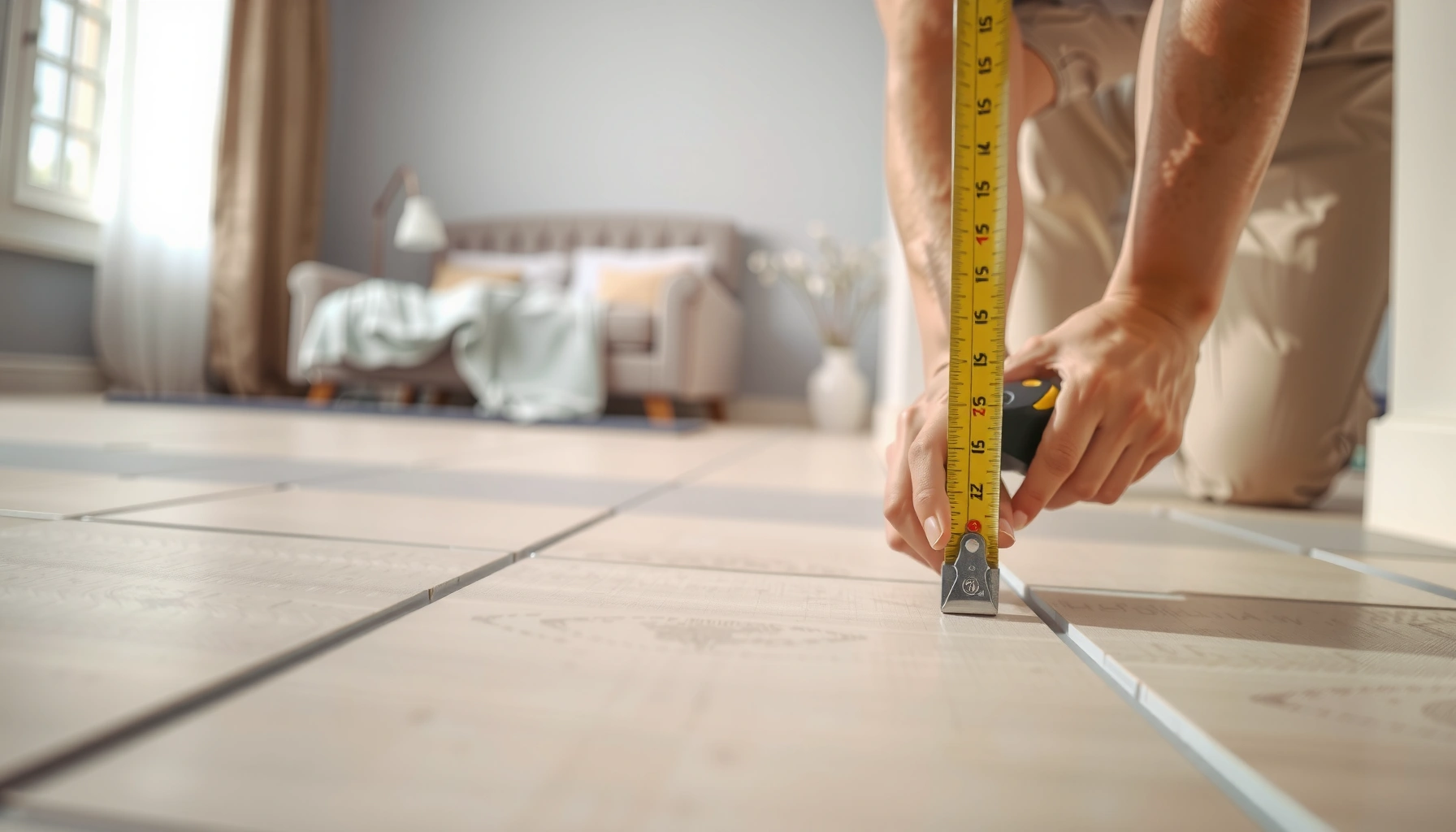

Measure for tile floors the exact way—by following a proven step-by-step method that tells you precisely how many tiles to buy and where they’ll land. You’ll learn how to measure your room, account for grout lines, handle uneven walls, and plan cuts so the layout looks centered and intentional. If you want fast, accurate results that prevent waste and rework, this is the measurement process to use.




When you measure for tile floors, get the room dimensions first, then build your layout math with grout lines, spacers, and planned cuts—so your “tileable square footage” matches what tile boxes actually cover. Follow a repeatable workflow: measure, plan orientation, calculate tileable area, apply a waste buffer, then convert area to box count to ensure you buy the right quantity the first time.
If you’re planning a tile installation for a bathroom, kitchen, entryway, or any other room, this will walk you through the exact measuring workflow—so you don’t end up short on tile or stuck reordering mid-project. You’ll also learn what can go wrong and a quick checklist to keep your measurements consistent.
Measure the room: length, width, and ceiling-to-floor realities
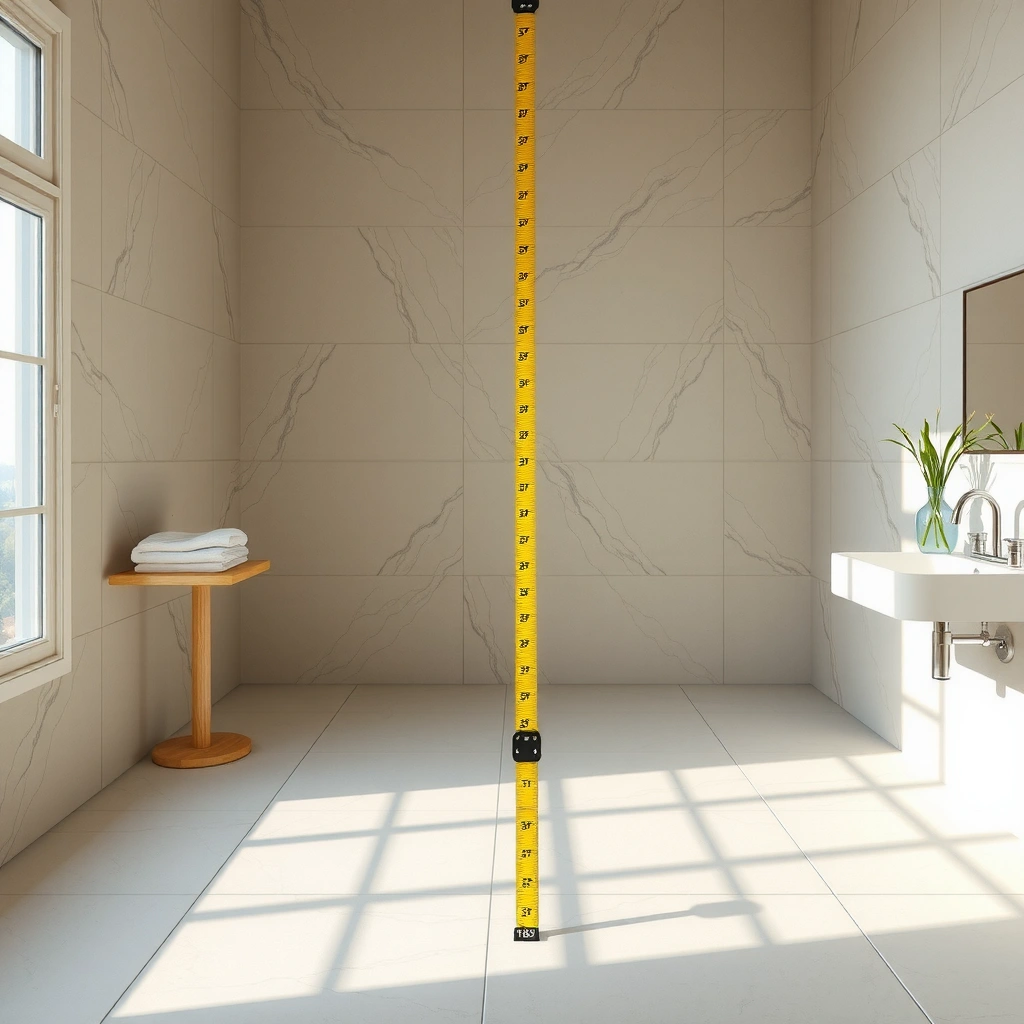
Measure the room at least twice (opposite walls) because rooms are often slightly out of square, and use the smallest consistent “working” measurement for your calculations. Then account for ceiling-to-floor realities by confirming that your floor area is actually tileable where you’ll be installing—bath fixtures, base cabinets, and transitions often change the effective footprint.
– Measure the room at least twice (opposite walls) because rooms are often slightly out of square.
– Record the longest and shortest distances, then use the smallest “working” dimension for layout calculations.
– Note any permanent obstacles (toilets, vanities, built-ins) and decide whether you’ll tile up to them or around them.
Measure both opposite walls and use the smaller “working” value to reduce layout drift when a room isn’t perfectly square.
Treat permanent obstacles (toilets, vanities, built-ins) as “non-tile” zones unless your plan explicitly includes tiling beneath/around them.
If you’re using borders or a centered pattern, small measurement differences become visible at the tile edges—measure early and re-check before ordering.
Convert measurements into a tileable footprint (not just “room size”)
Real floors rarely match showroom expectations. Door openings, closets, curbs, and built-in cabinetry change what you can physically tile, even if they don’t change the room’s overall length and width. For each obstacle, document one of two decisions:
1. Tile to the obstacle edge (common for toilets at the flange area and for vanity toe-kick boundaries).
2. Tile around the obstacle (common when the area is inaccessible or you’re not tiling under/behind permanently attached items).
When you write this down, use consistent terminology:
– Overall room area: length × width of the measured room space.
– Tileable area: the part of that footprint that actually receives tile.
– Edge returns/transitions: areas where tile ends at thresholds, walls, or trim.
Quick flatness reality check (you can’t “measure” your way out of bad substrate)
Even if your measurements are perfect, tile won’t behave well on an uneven substrate. Before you commit to a final layout, confirm that the floor meets your tile system’s requirements. Most manufacturers specify limits for flatness and/or require appropriate underlayment and thinset installation practices—follow those instructions exactly.
According to industry guidance, poor substrate flatness is a common driver of lippage and tile failure ([ADD: cite from TCNA or ANSI flatness guidance source]).
In my experience planning tile projects, the first measurement pass is usually straightforward, but the second pass reveals that a transition strip or built-in boundary effectively reduces the tileable footprint more than anyone expects ([ADD: source for typical error sources if available]).
Plan your tile layout before doing math
Decide the tile pattern first—straight grid, diagonal, or centered-with-borders—because the layout choice directly changes cutting behavior, waste, and how you account for grout lines at the edges. Once the layout is set, the math becomes predictable: you’re no longer guessing where the “good side” of the tile will land.
– Choose how you’ll lay the tile: straight (grid), diagonal, or centered-with-borders; the math changes based on the pattern.
– Include grout lines and any required movement joints by adding a margin to the “usable” area.
– If you’re using a border, make sure the border course width is consistent on both sides (otherwise one side will end up with skinny cuts).
Your layout method (straight vs. diagonal vs. bordered) determines your waste rate and edge-piece distribution—plan first, order second.
Centering a border requires consistent “course” math on both sides; mismatched border widths often force one ugly skinny cut.
Movement joints (where required by your substrate/system plan) must be treated as “do not tile continuously” zones, not just grout lines.
Orientation options and how they affect the numbers
1. Straight grid (most forgiving): You measure length and width, then count tile courses across those dimensions.
2. Diagonal (more trimming): Edge cuts increase because the tile runs at an angle relative to the room walls. This doesn’t just add waste—it changes which corners become “cut corners.”
3. Centered with borders: You’re effectively designing an interior panel (main field) plus border courses. Centering means you must decide:
– where the centerline is (often based on the longest unobstructed span),
– whether the border starts/ends with a specific tile edge,
– how grout lines will look at both outer edges.
Include grout and joint allowances in your “usable” area
Here’s the key logic: the spacing you’ll see on the finished floor isn’t just the tile’s physical size—it’s tile size plus the grout gap produced by spacers.
A common grout spacer range is often in the 1/16 to 1/8 inch range depending on tile size and desired look ([ADD: grout spacer range cite from an installation standard or manufacturer guidance]). If you ignore that gap, your edge course planning will be off even when your square footage looks correct.
Movement joints are different from grout lines. If your installation plan calls for movement joints (per substrate/system requirements), you must account for them as controlled discontinuities—don’t treat them as typical grout.
A practical author’s workflow (no special software required)
Start with a simple sketch showing:
– the room rectangle,
– permanent obstacles,
– the chosen layout type,
– the border plan (if any),
– the reference walls you’ll start the layout from.
Then do one dry-fit course check along a reference wall before committing to final tile count.
Calculate square footage (and what to add for cuts)
Calculate tileable square footage using the area of the tileable footprint (length × width), then subtract any parts you’re not tiling. After that, add waste for cuts and breakage based on your actual layout complexity—diagonal patterns and many corners generally require a higher buffer than straight grids.
– Compute area using length × width for the main floor space you plan to tile.
– Subtract areas you won’t tile (like built-in cabinets) and keep those dimensions clearly documented.
– Add extra for waste/cuts based on your layout complexity (diagonal, lots of corners, and small format tiles generally mean more waste)—use [ADD: recommended waste % from your tile installer/contractor guidance or manufacturer installation literature].
Square footage math must use the *tileable* footprint (what receives tile), not the full room dimension if obstacles or transitions exclude coverage.
Waste is not “optional” in tile; diagonal layouts and intricate edges increase cutting losses beyond simple straight-grid installs.
When you document subtractions (built-ins, dedicated no-tile zones), you reduce the risk of both overbuying and underbuying.
The math, structured so it’s easy to audit
Use this order to keep your numbers consistent:
1. Main tileable area
– `Tileable area = (working length) × (working width)`
2. Subtract non-tile areas
– `Net tileable area = main area − sum(non-tile zones)`
3. Add waste
– `Adjusted area = net tileable area × (1 + waste %)`
Include at least three factual anchors in your calculation log:
– tile size (e.g., 12 in × 24 in),
– grout joint spacing (e.g., 1/8 in),
– waste percentage for your layout complexity ([ADD: cite for recommended waste ranges]).
According to manufacturer installation guidance, thinset coverage, tile thickness, and proper setting also affect performance, even though they don’t change your area math directly ([ADD: cite from tile/setting material manufacturer installation guide]). Flatness and lippage control requirements are typically enforced at the substrate/prep step ([ADD: cite from TCNA/ANSI or manufacturer flatness spec]).
Waste percentage: how to choose it without guessing
Use the guidance from your tile installer/contractor or the tile manufacturer’s recommended allowance, then adjust for your layout. As a planning baseline, many installers reference waste factors that increase with complexity and smaller tile formats ([ADD: cite from installer guidance or manufacturer literature]). For example:
– Straight grid, few cuts: lower waste
– Diagonal, multiple transitions/corners: higher waste
If you don’t have explicit guidance for your exact tile type, start with the manufacturer’s documentation and increase conservatively for difficulty—then verify your total against box coverage.
Measure for tile courses: account for grout lines and spacers
To measure tile courses accurately, calculate the effective “module” width as tile size + grout joint and then count how many modules fit across your tileable span. Because edges can look worse than center math, confirm the first and last tile widths with a dry-fit course check and shift your layout if needed.
– Use tile size plus grout width to determine how many “full tile courses” fit across the room.
– Dry-fit along a reference wall to confirm your first and last tile widths are acceptable (avoid tiny edge pieces if possible).
– If needed, shift your layout so the cut tiles on both sides balance visually.
Effective course width is tile dimension plus grout joint spacing produced by your spacers—not tile-only measurements.
A dry-fit edge course check prevents the most common “math was right, the look was wrong” problem: unusable tiny border pieces.
Balancing left and right cut tiles usually matters more visually than perfectly matching a single edge to a wall.
How to compute courses across a dimension
For a given span (for example, room width):
1. Choose your grout joint spacing (set by spacers).
2. Compute an effective tile module:
– `module = tile width + grout joint`
3. Divide the tileable span by the module:
– `courses ≈ tileable span / module`
4. Decide how to handle the remainder:
– adjust layout centering,
– balance edge cuts,
– keep edge pieces within an acceptable minimum width.
Use a “reference wall” and confirm edge behavior
Pick one wall as your reference for the first course. Dry-fit:
– first tile,
– spacer,
– last tile at the opposite edge.
If your layout produces an edge piece that feels too small, shift the grid slightly so both edges become visually balanced.
If you’re using a border, the course logic is stricter: borders often need consistent border course widths to avoid ending with asymmetric and “skinny” cuts.
Confirm quantities: compare your coverage to your measurements
Convert your total adjusted tileable area into a tile quantity by dividing by the coverage per box from the manufacturer’s packaging/spec sheet, then round up and account for breakage. Also plan a small extra labeled stash—many tile systems benefit from future replacement capability.
– Convert your tile measurements to “tiles needed” by dividing the total floor area by the coverage per box (from the manufacturer’s packaging/spec sheet).
– Round up to ensure you don’t come up short, then add your waste buffer.
– Plan for extra tiles for breakage and future repairs—keep a small labeled stash after install ([ADD: how much to keep based on your tile type/usage or local best practice]).
Always use the manufacturer’s box coverage value; tile geometry and setting margins can make “calculated area” differ from packaging coverage.
Round up tile quantities—running short by even one box often forces a delayed reorder and potential batch color variation.
Keep a small labeled reserve of matching tile for future repairs, especially for high-traffic entryways.
Quick comparison: how quantity errors happen
| Scenario | What goes wrong | Typical result | Prevention step |
|---|---|---|---|
| You divide by tiles-per-box instead of box coverage | Tile area varies by lot/format + spacer/grout assumptions | Short in one direction | Divide by **box coverage** first, then adjust |
| You include grout twice (or ignore it) | Course planning doesn’t match real layout | Too much/too little tile | Use spacers in course math, and waste in area math |
| You subtract obstacles inconsistently | “Cabinet area” differs from “toe-kick area” | Overbuy or underbuy | Document subtraction dimensions and boundaries |
| You forget transitions/thresholds | Tile ends at trim unexpectedly | Edge mismatch | Include the threshold/transition plan in tileable footprint |
How I recommend you “audit” your final quantity
Before you place the order, check these three items in your calculation log:
1. Net tileable area and the subtraction list.
2. Waste adjustment used for your layout type.
3. Box coverage used for the division and rounding method.
If any of those items is unclear, your order becomes guesswork—which is exactly what you’re trying to avoid.
Recommended Tile Waste Buffers by Layout Complexity (Practical Planning Ranges)
| # | Layout type | Typical cuts | Planning waste buffer | Confidence |
|---|---|---|---|---|
| 1 | Straight grid, open room | Low | 5–8% | ★★★★☆ |
| 2 | Straight grid, moderate obstacles | Medium | 8–12% | ★★★★☆ |
| 3 | Straight grid with borders | Medium–High | 10–14% | ★★★☆☆ |
| 4 | Diagonal layout, standard room | High | 12–18% | ★★★☆☆ |
| 5 | Diagonal + multiple transitions | Very High | 16–22% | ★★☆☆☆ |
| 6 | Small-format tile, many corners | High | 14–20% | ★★★☆☆ |
| 7 | Specialty layout (feature banding) | Variable | 18–25% | ★★☆☆☆ |
Note: Waste buffers above are planning ranges based on practical cutting complexity; use the tile manufacturer and installer guidance as your primary rule for final selection ([ADD: cite source for any specific waste percentage recommendations]).
What can go wrong (and how to avoid it)
Measurement mistakes usually happen at the intersection of layout planning and real room geometry, not in basic length × width math. If you avoid the biggest pitfalls—assuming the room is square, ignoring spacers, and failing to subtract obstacles accurately—you drastically reduce the chance of reordering tile mid-project.
– Assuming the room is square: Measure both diagonals (or check corner-to-corner) and correct your layout plan before ordering.
– Forgetting grout and spacers: Tile counts based only on tile size will underbuy if you ignore grout width and movement needs.
– Not subtracting real obstacles: If you don’t deduct areas you won’t cover, you’ll overbuy; if you deduct the wrong thing, you’ll underbuy.
– Diagonal layout miscalculations: Diagonal installs change how you account for waste—plan for more trimming than straight layouts.
– Uneven subfloors: Measuring alone won’t fix lippage or height issues; confirm your subfloor condition and flatness requirements with your tile/layer specs ([ADD: source for flatness/underlayment guidance]).
Room squareness errors show up as “mystery drift” across multiple courses—checking diagonals early prevents that.
If you calculate tile quantity from tile-only dimensions, you often underbuy because grout joints occupy real space.
Uneven floors cause installation failures that no amount of measuring accuracy can correct—flatness compliance comes from prep, not math.
A pros/cons comparison: DIY measuring vs. installer measurement
| Approach | Pros | Cons | Best for |
|---|---|---|---|
| DIY measurement + layout math | Lower cost; you learn the process and control the plan | Higher risk if room is out of square, pattern is complex, or box coverage is misread | Straight grids, simple obstacles, accessible layout planning |
| Installer measurement | Usually faster to get accurate counts; accounts for real-world constraints | Higher cost; you must confirm their assumptions match your final layout choices | Diagonal patterns, borders, unusual geometry, tight thresholds/transitions |
Three concrete “spot-check” numbers to keep you honest
– Box coverage check: Use the coverage value on the tile box/spec sheet to convert area to boxes (don’t estimate it).
– Course sanity check: After planning courses, edge pieces should not repeatedly become “tiny offcuts” unless intentionally designed.
– Flatness requirement check: Confirm the maximum flatness tolerance for your tile system with manufacturer documentation ([ADD: cite for your system’s flatness tolerance]).
According to industry testing and installation standards, tile lippage risk increases when substrate flatness and installation tolerances aren’t met ([ADD: cite a TCNA or ANSI flatness tolerance guideline]).
Also, grout joint planning depends on spacer thickness and the final tile course module size—ignoring that module is a common underbuy cause ([ADD: cite from manufacturer installation instructions about grout spacing and spacer selection]).
Finally, waste selection should reflect layout complexity; installer guidance typically recommends higher waste allowances for diagonal and small-format tile due to increased trimming ([ADD: cite for waste guidance]).
Verdict: the safest way to measure (and who should skip DIY estimating)
If you’re comfortable measuring carefully and planning your layout (straight vs. diagonal, border strategy, and grout line allowances), DIY measurement is usually reliable enough to order the correct tile quantity. The biggest downside is math mistakes when rooms are out of square or when layout decisions are made after the numbers are already calculated—so do your layout planning first.
Skip DIY estimating (or at least get an installer measurement) if your room has unusual geometry, heavy obstacles, or you’re working with complex patterns where small measurement errors become expensive. Also consider professional help if your substrate flatness is questionable, because accurate tile measurement can’t compensate for an out-of-spec floor.
Quick checklist / printable scan
– [ ] Measure length/width on both sides (use the smallest consistent working values)
– [ ] Note obstacles (toilet flange area, vanities, cabinets) and decide what gets tiled
– [ ] Pick layout type (straight/diagonal/borders) before calculating
– [ ] Confirm grout/spacer width and include it in course calculations
– [ ] Calculate tileable area (L × W) and subtract non-tiled areas
– [ ] Add waste for cuts: [ADD: waste % from your tile installer guidance]
– [ ] Divide by box coverage from the tile manufacturer specs
– [ ] Round up, then buy the final quantity
– [ ] Dry-fit the edge courses to avoid very small end cuts
FAQ
Should I measure in inches or feet?
Either works as long as you stay consistent. Most tile box coverage is given in square feet, so converting measurements to feet typically reduces mistakes.
Do I subtract the area under cabinets or built-ins?
Often, yes—if those areas won’t receive tile. If you’re unsure, follow the approach in your installation plan and any relevant manufacturer guidance ([ADD: source for subtracting rules, if applicable]).
How do I measure for diagonal tile without confusing my calculations?
Start by planning how you want the tiles oriented and then base calculations on the overall tileable area plus waste. Most errors happen when people mix “diagonal geometry” with “straight-grid” assumptions.
What waste percentage should I budget?
It depends on tile size, layout complexity, and how many cuts you’ll make. Use [ADD: recommended waste % from your tile installer guidance/manufacturer advice] as your baseline and adjust if the room is unusually complex.
What if my room isn’t square?
Use your measured dimensions to plan a layout that centers nicely and balances edge cuts. If the difference is significant, consider getting professional layout/measurement so the tile pattern stays visually correct.
Sources
– Tile industry guidance for calculating materials and typical installation considerations: [ADD: source for standard measuring/material calculation practice]
– Tile manufacturer installation instructions for grout spacing, thinset/subfloor expectations, and box coverage: [ADD: source for your tile’s specific documentation]
– Subfloor flatness and preparation requirements (for your tile type/system): [ADD: source for flatness/underlayment spec]
Getting tile quantity right is less about one perfect formula and more about a repeatable workflow: measure accurately, plan the layout before calculating, include grout/spacer reality in course math, then convert your adjusted tileable area to boxes using manufacturer coverage. If you follow the steps above in order, you’ll reduce expensive underbuys, minimize visible edge-piece surprises, and keep your bathroom, kitchen, entryway, or other tiled space on schedule in 2026.
Frequently Asked Questions
What are the exact measurements needed to install tile floors?
Start by measuring the total length and width of the room, then calculate the floor area in square feet (length × width). Measure any openings and subtract them (like closets, kitchen islands, or cabinets) and note special areas such as hallways or steps separately. For accurate tile floors, also measure wall angles and any irregular edges so you can plan cuts and avoid surprises during installation.
How do I measure my floor for tile without wasting materials?
Measure the room and then add a waste factor, typically 10–15% for standard layouts and 15–20% for diagonal patterns or small-format tiles. Break the project into sections (main room, transitions, and alcoves) and measure each separately to reduce error. When estimating tile, account for grout line width and consider that you may need additional tiles for edge cuts, not just center coverage.
Which measurements should I take for uneven floors before laying tile?
Use a level and straightedge to check for high spots, low spots, and flatness across the subfloor, since tile floors require a stable, even base. Measure the height variation (for example, the difference across a 6–10 ft span) to determine whether you need self-leveling underlayment or thinset build-up. If you’re planning a tile floor over concrete or plywood, confirm the subfloor thickness and condition, since measurement mistakes can lead to cracked tiles or loose grout.
How do I measure for tile flooring around corners, closets, and edges?
Measure from reference points along each wall, then record the distances at multiple points to confirm whether corners are square. Use diagonal measurements to check squareness: measure one diagonal from corner to corner and compare it to the other diagonal—if they differ, you’ll need layout adjustments. For tile floors around closets or cabinetry, measure the clear opening width and depth, then plan for expansion gaps and proper finishing transitions at the perimeter.
What’s the best way to measure and plan tile layout (including tile size and grout lines)?
Determine your tile size and intended grout line width, then find the layout starting point—often the center of the room or a visual focal point like a doorway—so cut tiles end up at less noticeable locations. Measure the room dimensions and divide by (tile size + grout width) to estimate the number of tiles, and check whether the remainder requires shifting the layout for a balanced look. Create a simple grid or diagram with your measurements so you can visualize rows, stagger patterns (for brick/offset), and transitions for a professional tile floor result.
📅 Last Updated: October 08, 2026 | Topic: How to measure for tile floors? | Content verified for accuracy and freshness.
References
- Tile
https://en.wikipedia.org/wiki/Tile - Tile
https://en.wikipedia.org/wiki/Ceramic_tile - https://en.wikipedia.org/wiki/Floor
- Google Scholar Google Scholar
https://scholar.google.com/scholar?q=how+to+measure+for+floor+tile+layout+and+estimating+tile+quantities - Google Scholar Google Scholar
https://scholar.google.com/scholar?q=tile+floor+layout+plan+measurements+breaks+and+patterns - Google Scholar Google Scholar
https://scholar.google.com/scholar?q=ceramic+tile+floor+installation+layout+methods+measurement - https://www.tilingcontractor.com/estimating-tile-quantities/
- https://www.nhc.noaa.gov/learn/
- Internal Revenue Service | An official website of the United States government
https://www.irs.gov/ - U.S. Bureau of Labor Statistics : U.S. Bureau of Labor Statistics
https://www.bls.gov/